
25% off the price of DigitalDent
DigitalDent online, with a dedicated system for your center.
With DigitalDent from UltraPlans Systems, your center gets its own system for patients, treatments, appointments, laboratories, inventory and accounts, accessible from computers and phones through a secure link.
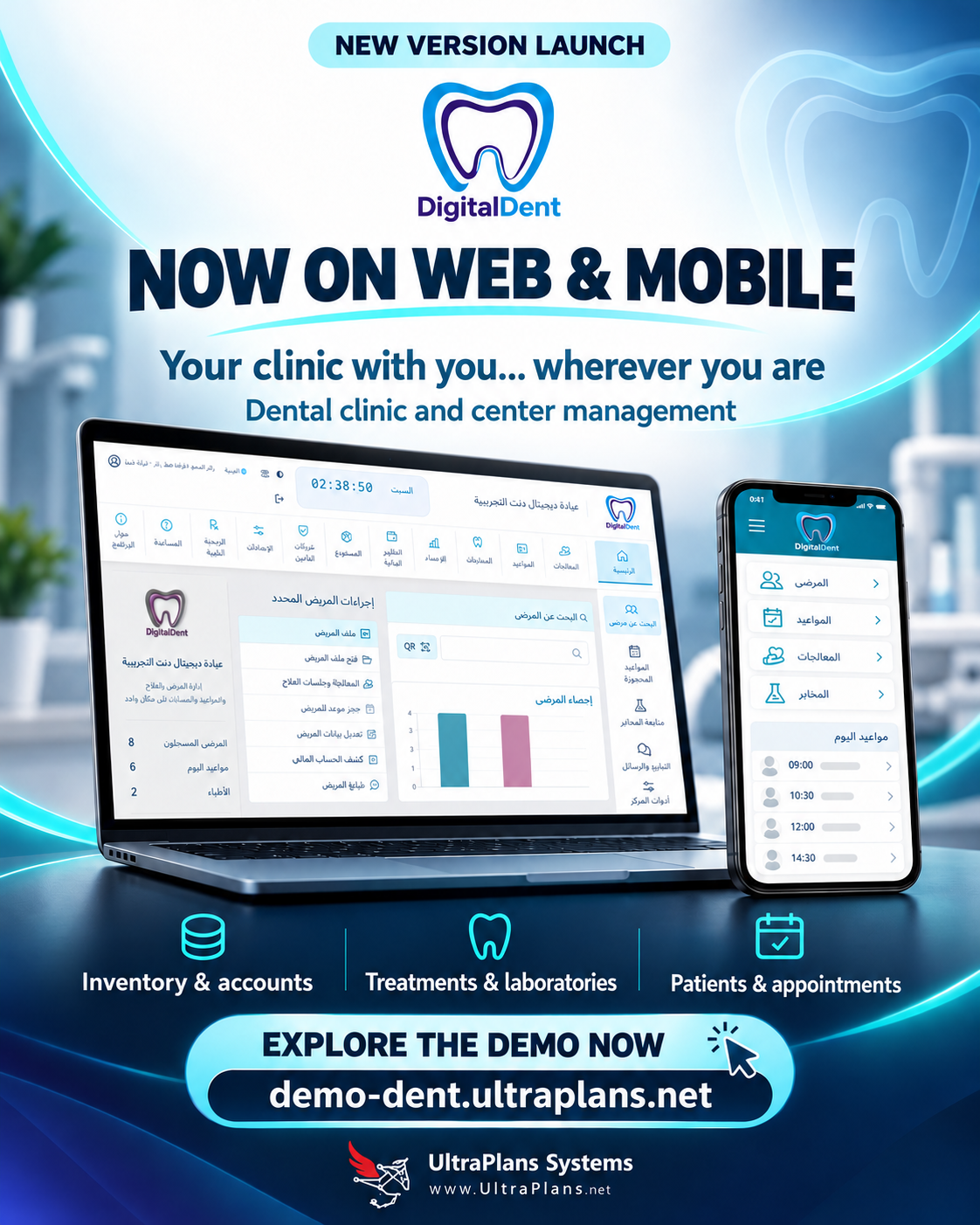
Try DigitalDent online
The demo uses fictional data and read-only permissions to showcase the system. Your center’s edition is configured with its own data, accounts and settings.
Open the demo link and enter the demo password. On the DigitalDent screen, choose the read-only demo tour.
https://demo-dent.ultraplans.net/ ↗
Open the live demo ↗How we prepare your system:
01
Define your center’s needs
We identify clinics, departments, clinicians, users, required features, expected file and image volumes, and access permissions.
02
Choose hosting and the system address
We choose a compatible environment and an address such as clinic.yourdomain.com. We can use a domain you own or arrange one. Hosting resources are sized for your center.
03
Prepare a dedicated edition and independent data
We prepare your center’s edition and database, enable HTTPS, and create accounts for management, clinicians, reception, accounting, laboratories, inventory and patients as needed.
04
Enter your center’s settings
You provide its name, logo, contact details, clinicians, departments, procedures and prices, laboratories, suppliers, materials and currencies. We first review any older data to determine what can be migrated and how to verify it.
05
Trial and training
We test a complete workflow with your team: patient registration, booking, a treatment session, material use, payment and reporting. After review and training, live operation begins.
06
Agree on backup and support
We agree on backup schedules, storage, retention, restoration and maintenance responsibilities, and support and updates under the chosen package.
How does the web system work?
01
Computer and mobile browser
02
Application server
03
Your center’s database
Staff open the system in a browser and sign in with their accounts. Operations are sent to the application server and stored in a central database, then appear to authorized users when the interface or its data is refreshed.
Reception, clinicians, accounting, laboratories and inventory work from the same information. For example, an appointment is recorded at the center and viewed by the clinician; a session is linked to its materials and fees, with its effects reflected in the patient record and relevant reports.
Mobile interfaces run in a browser. A web app shortcut can be installed on compatible devices and browsers. Google, calendar, email and device notifications are configured according to the services required and account permissions.
What does your center gain?
Access across locations and devices
Within or outside the center, according to permissions.
Shared information
Less file transfer between devices and repeated data entry.
Connected clinical, administrative and financial work
Follow treatment, costs, materials and accounts in one connected workflow.
Central updates
Server updates without reinstalling a full copy on each device.
Clearer oversight
Reports to review income, expenses, production and consumption.
Organized communication
Interfaces for patients, clinicians, laboratories and inventory, with notification and follow-up workflows.
Permissions and review
Individual accounts and roles, basic activity records, and backup and restore procedures.
What does the customer need to provide?
A person to approve the center’s settings, accurate initial data, devices with a modern browser, suitable internet access for the hosted edition and a printer when required. The customer also defines users, permissions and external services to connect.
25% off the price of DigitalDent
Clear costs before you begin
Licensing, hosting, setup, data migration, training and maintenance costs are set out clearly before work begins. Hosting can be in the customer’s name or included in an agreed hosting management service.